Best Instagram Analytics Tools in 2026
Compare seven Instagram analytics tools by free access, reporting, competitor tracking and publishing workflow, with current plan details for UK buyers.

In this article
Quick answer: For most UK small businesses, the best Instagram analytics tool is the free one you already have: Instagram Insights, plus Meta Business Suite for CSV exports. Pay only when you need something they can't do. Metricool Free adds competitor checks, Iconosquare adds a year of history from €9 a month, and Later suits teams that schedule.
Instagram already gives you a fair amount of data for free. The real question is which report you're missing, and what it costs to get it.
Below, seven tools go head to head on price, history, reports and competitor tracking. Every price comes from the vendor's own pricing page, checked in November 2026.
Quick picks
- Best free starting point: Instagram Insights
- Best free Facebook and Instagram reporting: Meta Business Suite
- Best free competitor checks: Metricool
- Best cheap history and automated reports: Iconosquare
- Best for scheduling and analytics together: Later
- Best inbox plus benchmarking: Hootsuite
- Best for larger teams: Sprout Social
How we chose
We ranked the tools for a cost-conscious UK small business. Entry cost came first. After that we looked at reporting and history on your own account, and finally at competitor and publishing features. "Annually" means the monthly figure when you pay for a year up front. No pound conversions here: exchange rates move, and these vendors bill in euros or dollars.
Instagram analytics tools compared
| Tool | Best for | Price | Own-account reporting | Competitors and workflow |
|---|---|---|---|---|
| Instagram Insights | Free starting point | Free for business users | Professional dashboard insights | Instagram only |
| Meta Business Suite | Facebook and Instagram together | Free for business users | Metrics exportable as CSV | Business insights across Facebook and Instagram |
| Metricool | Free competitor checks | Free; Starter from €16/month annually | Free: one brand, 30 days of analytics | Five fixed free competitor profiles; 20 scheduled posts a month |
| Iconosquare | Cheap history, then reports | Free; Starter €9/month annually | Starter: one year of history; Launch (€33/month annually): automated reports | Competitor monitoring on Scale, €69/month annually |
| Later | Scheduling plus analytics | Starter $18.75/month annually | Starter: up to three months of analytics | 30 scheduled posts per profile; benchmarking on Scale |
| Hootsuite | Inbox plus benchmarking | Standard $99/user/month annually; 14-day trial | Standard: up to 10 accounts | Compares five competitors; includes an inbox |
| Sprout Social | Larger teams | Essentials $79/seat/month annually or $99 monthly | Essentials: five profiles | Competitor insights on Professional, $299/seat/month annually |
The seven tools, one by one
1. Instagram Insights
Start here. Insights comes built into Instagram, and business users get it free through the professional dashboard or Meta Business Suite. You'll see how your posts and account perform. What it won't do is tell you exactly who shared a post; our guide to seeing who shared your Instagram post explains why.
There's no subscription and no third-party app to connect. The catch is scope. Insights only covers Instagram, so if you also run a Facebook Page you'll be flicking between apps.
2. Meta Business Suite
Meta Business Suite is Meta's free workspace for Facebook and Instagram together. You get the same Insights in one place, and you can export many of the metrics as a CSV file. Handy at month end, when a client or your bookkeeper wants the figures in a spreadsheet.

If you run both a Facebook Page and an Instagram profile, this answers the basic "how did we do this month?" question for nothing. Meta's own apps are all it covers, though. Post on other networks too? Then you'll want one of the paid tools below.
3. Metricool
Metricool's free plan is unusually generous. You get one brand, 30 days of analytics, 20 scheduled posts a month and five competitor profiles to watch.
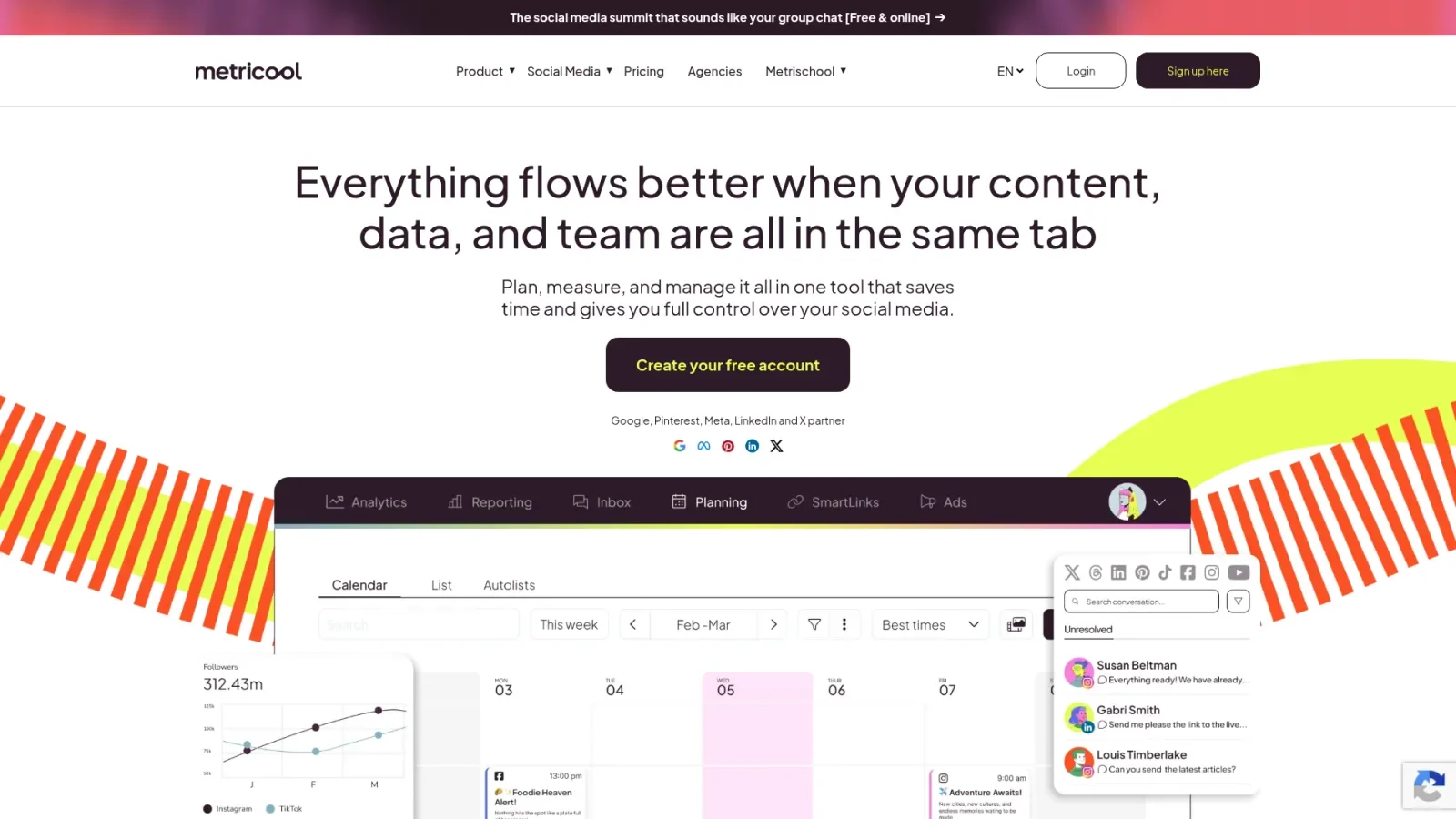
One warning. On the free plan, those five competitor slots are locked once you fill them; Metricool's help centre says you can't edit or delete them without upgrading. So choose your rivals carefully. Instagram competitor tracking also needs your account connected through Facebook.
Free history stops at 30 days. Paid plans begin with Starter, from €16 a month billed annually.
4. Iconosquare
Iconosquare is the most analytics-focused tool here, and its plans make it easy to see what each feature costs.
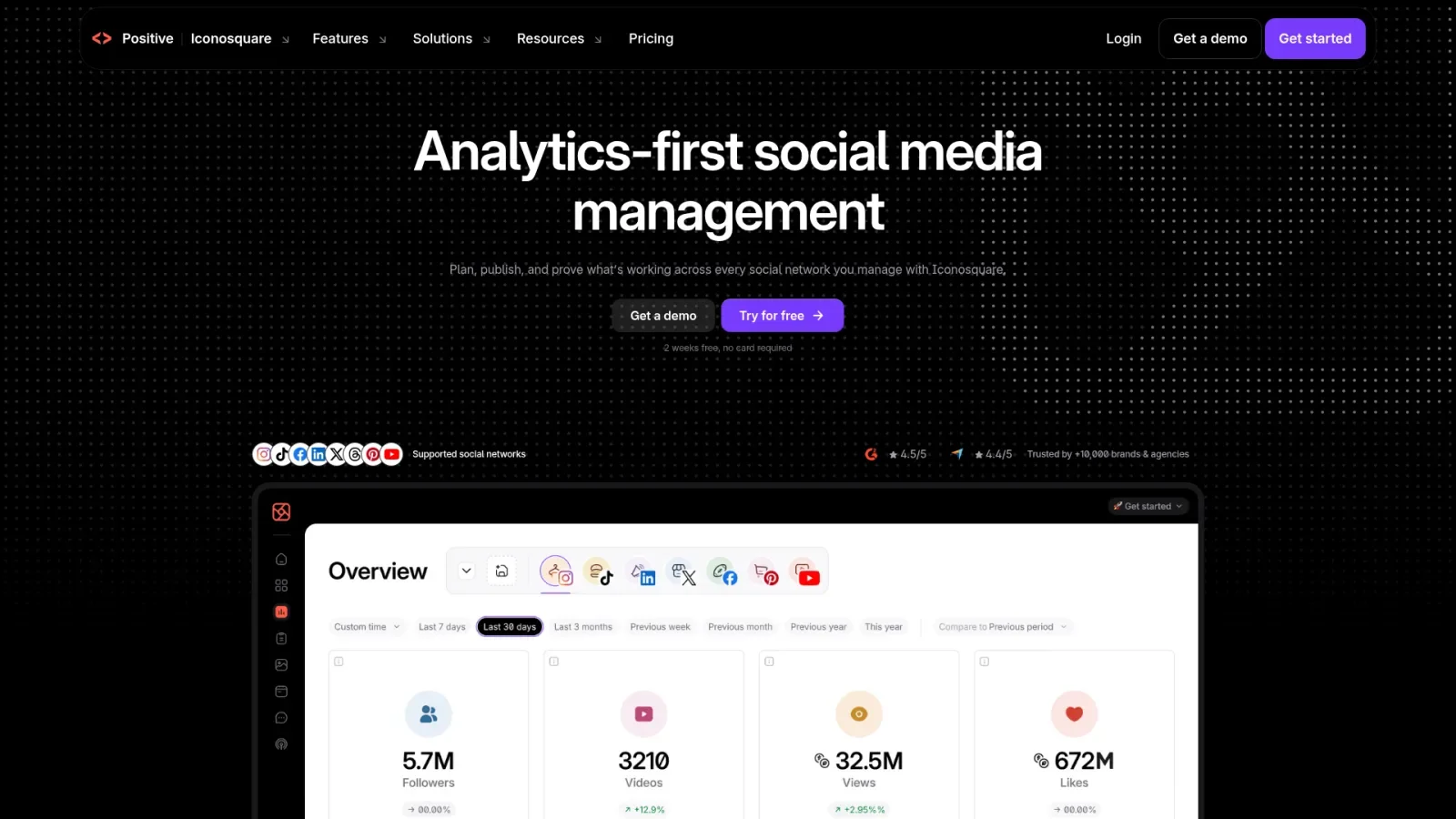
- Free: two profiles, one user and one month of history. No reports, no competitor monitoring.
- Starter (€9/month billed annually): one year of history.
- Launch (€33/month billed annually): adds automated reports.
- Scale (€69/month billed annually): adds competitor monitoring.
If a client or your manager wants a report in their inbox every month, budget for Launch. Plenty of people buy Starter expecting reports and get caught out.
5. Later
Later is a scheduling tool first, with analytics built in. Its Starter plan costs $18.75/month billed annually and covers one social set, 30 scheduled posts per profile and up to three months of analytics.
Want more history? Growth ($37.50/month billed annually) stretches it to a year. Competitive benchmarking only arrives on Scale, at $82.50/month billed annually.
Worth knowing: Later says some real-time data, including Story performance, can't be filled in later if your connection drops. A lapsed login can leave a permanent gap in your Story reports.
6. Hootsuite
Hootsuite is a full social media suite, with analytics as one part of it. The Standard plan costs $99 per user per month, billed annually. For that you can manage up to 10 social accounts, reply from one inbox and compare yourself with up to five competitors.
There's a 14-day free trial. Before you start it, connect your Instagram Business profile to a Facebook Page, because Hootsuite needs that link for Instagram analytics. Otherwise you could lose half the trial setting things up.
7. Sprout Social
Sprout Social charges per person, which makes sense for teams and gets expensive fast for everyone else. Essentials is $79 per seat a month billed annually, or $99 billed monthly, and covers five profiles with profile and post reports.
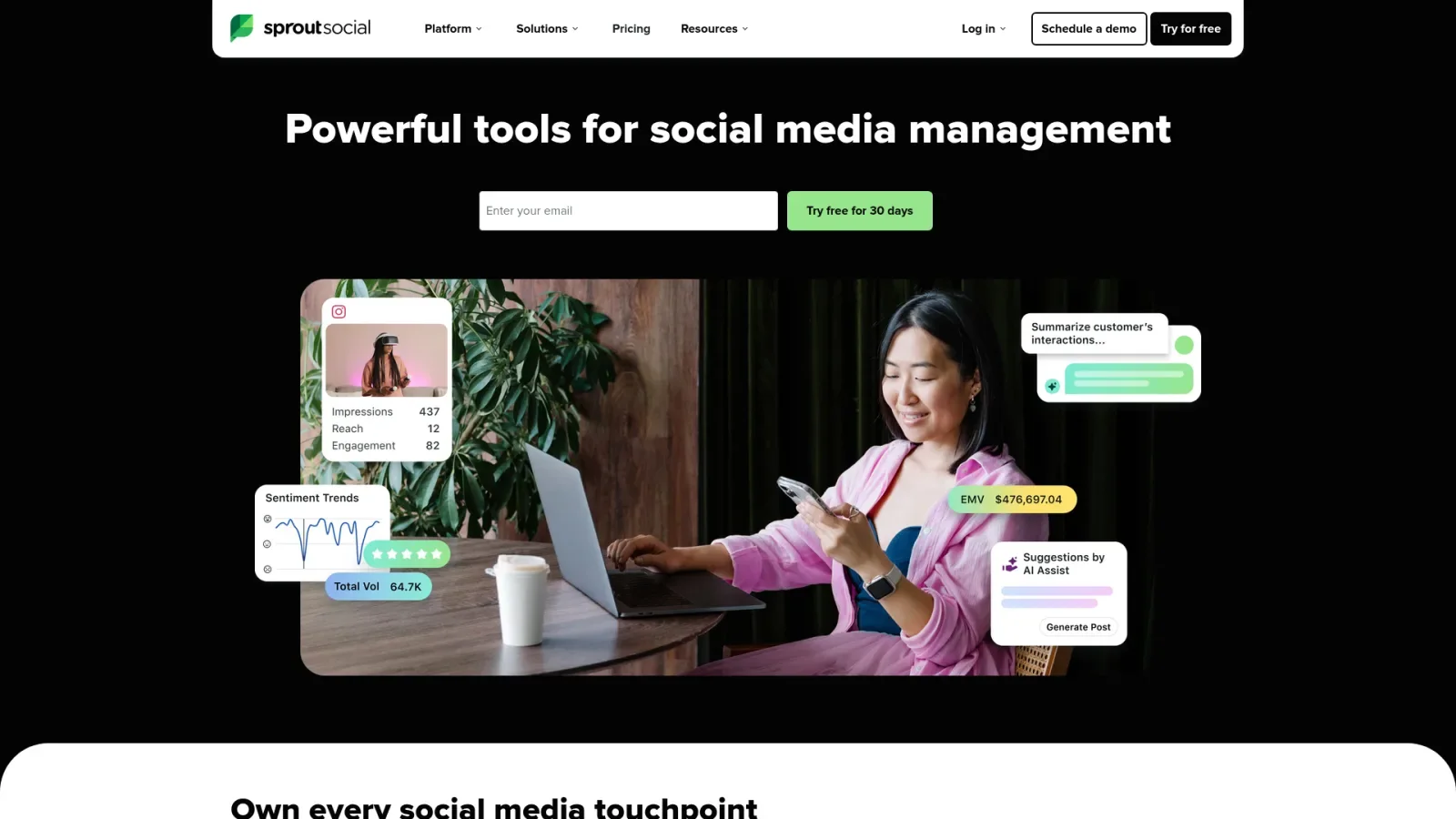
Detailed competitor insights need the Professional plan, at $299 per seat a month billed annually. Nearly four times the Essentials price, per person. For a one- or two-person business, that's hard to justify.
Which tool should a small business choose?
Begin with Instagram Insights and Meta Business Suite. Use them for a month, then write down the one report you kept wishing you had. That report tells you what to buy.

- "I want to keep an eye on competitors, for free": Metricool Free. Pick your five rivals carefully.
- "I need more than a month of history": Iconosquare Starter at €9 a month.
- "My client wants a monthly report": Iconosquare Launch at €33 a month.
- "I schedule everything anyway": Later.
- "I need paid competitor tracking": compare Iconosquare Scale, Later Scale, Hootsuite Standard and Sprout Social Professional.
Whichever you pick, measure engagement the same way every month, or your reports won't line up. Our guide explains how to calculate Instagram engagement rate, and our free Instagram engagement rate calculator does the sum for any post or Reel.
What to check before you connect a tool
Three things.
First, permissions. Meta's Insights API documentation explains that third-party tools only see what you allow, so read the permission list before you click approve. Grant what the report needs and nothing more.

Second, account type. Several tools, Hootsuite included, need an Instagram Business profile linked to a Facebook Page before Instagram analytics will work.
Third, keep the data flowing. If a login lapses, some tools can't recover the missing days. Reconnect quickly, and export anything you can't afford to lose, such as CSV files from Meta Business Suite.
FAQ
Does Instagram have a free analytics page?
Yes. Every business or creator account gets Instagram Insights at no cost, through the professional dashboard in the app or through Meta Business Suite on a computer. Meta Business Suite also lets you export many metrics as a CSV file, which is often all a small business needs for a monthly report.
What is the best free Instagram analytics tool?
For your own account, Instagram Insights is the best free option because the data comes straight from Instagram. If you also want to watch competitors without paying, Metricool's free plan includes five competitor profiles, 30 days of analytics and 20 scheduled posts a month for one brand.
Can I change Metricool's free competitor profiles later?
No. According to Metricool's help centre, once you add competitors on the free plan you can't edit or delete them. Only paid plans let you manage that list. It's worth deciding which five accounts matter most to you before you add any of them.
Which Iconosquare plan includes automated reports?
Launch, which starts at €33 a month billed annually. The cheaper Starter plan, at €9 a month, gives you a year of analytics history but no automated reports. If you need competitor monitoring as well, that's on the Scale plan at €69 a month billed annually.
Do I need a paid tool to track my Instagram engagement rate?
No. You can work out engagement rate yourself from the likes, comments, shares and saves in Instagram Insights. Our free engagement rate calculator does it in a few seconds, by followers or by reach, so you can track it monthly without a subscription.
Is Sprout Social worth it for a small business?
Usually not at the start. Sprout Social charges per user, from $79 a seat a month billed annually, and its competitor insights need the Professional plan at $299 a seat. It suits agencies and in-house teams. A one-person business will normally get more value from a free tool or a cheaper plan.